
Overview

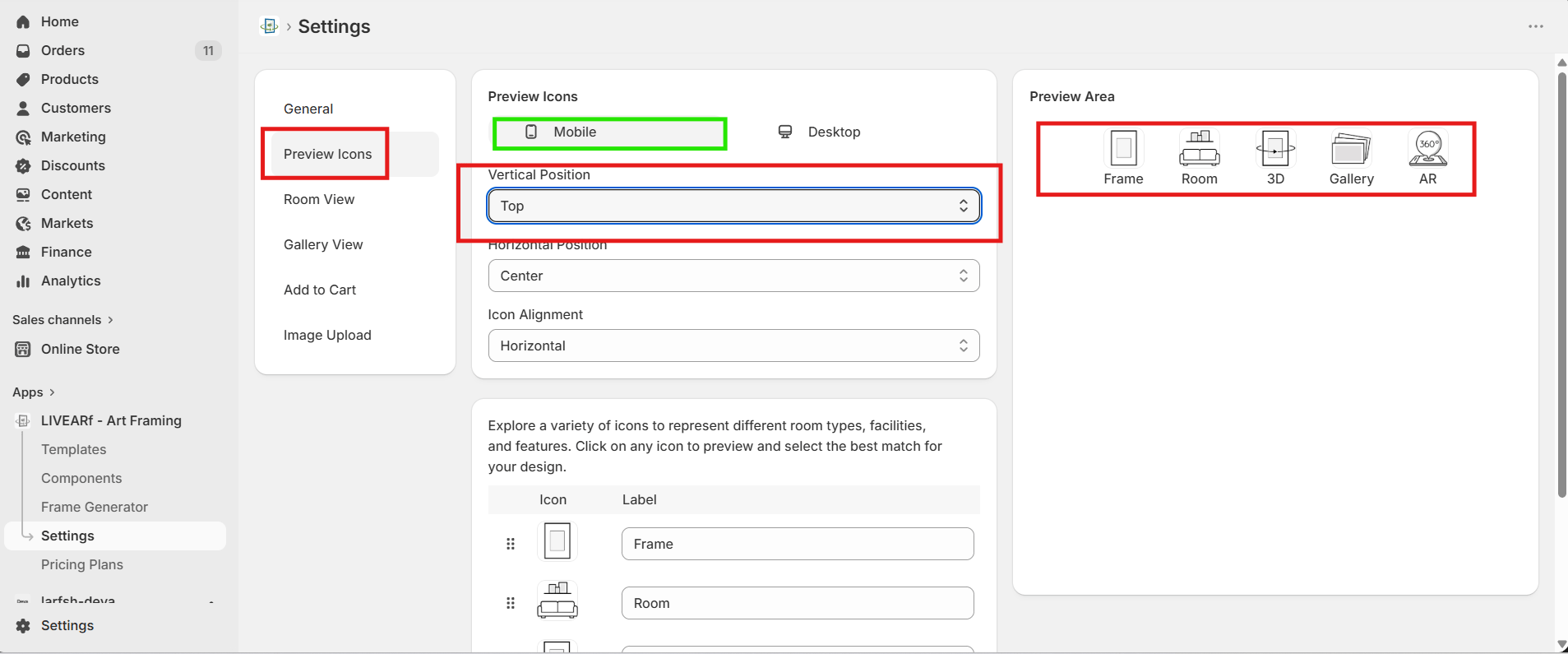
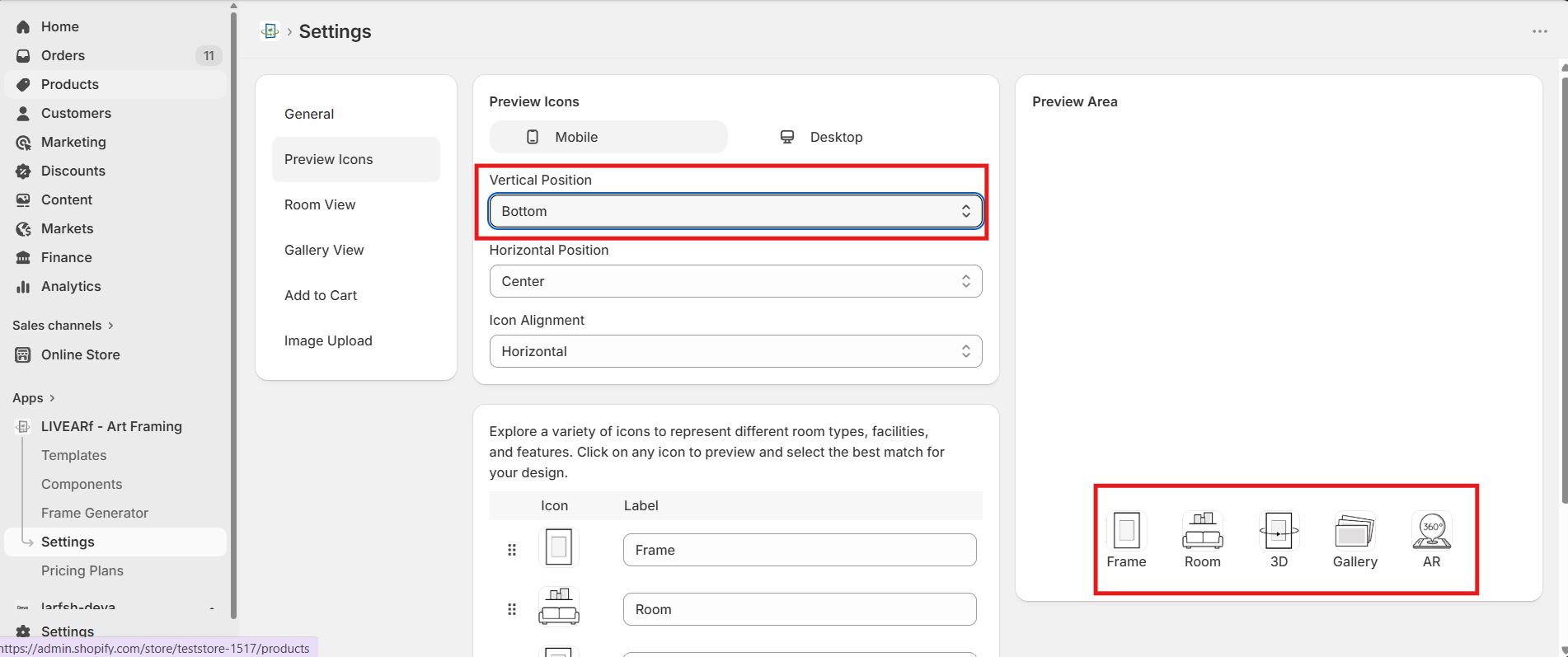
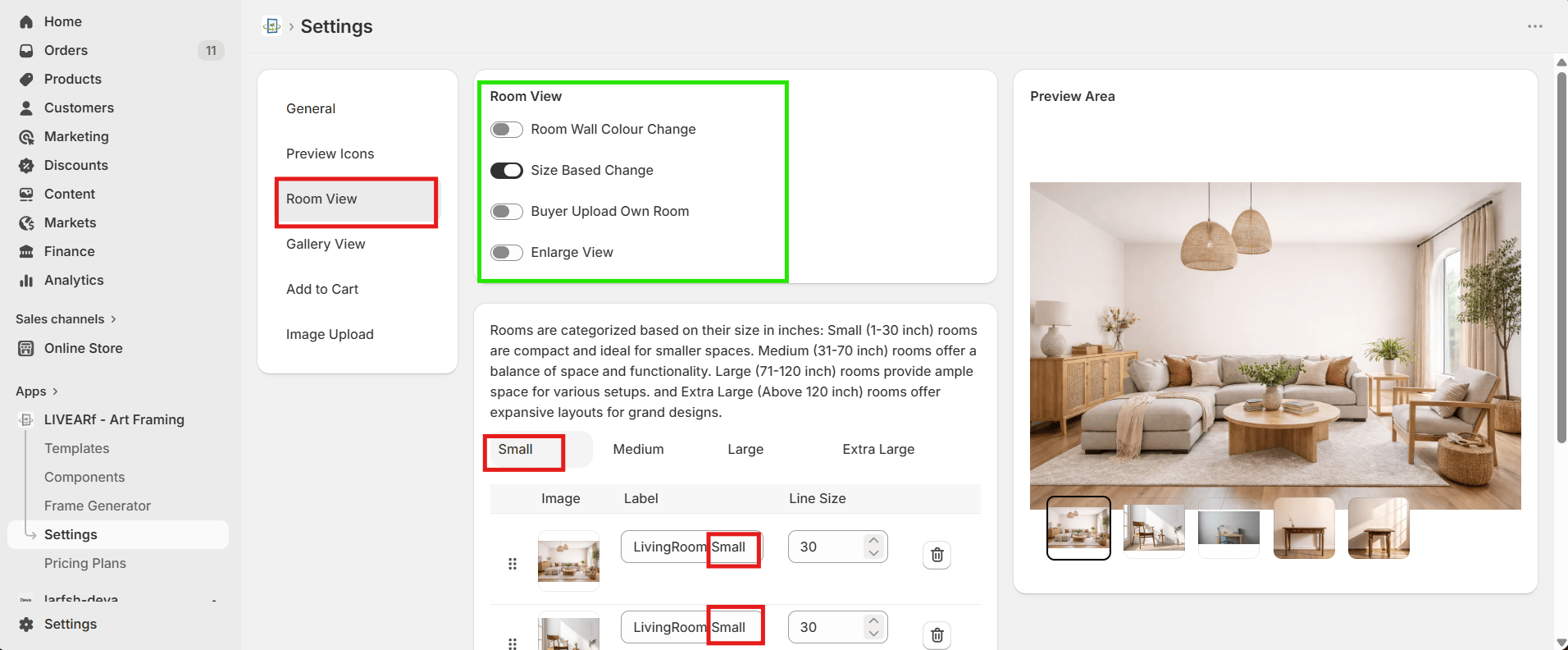
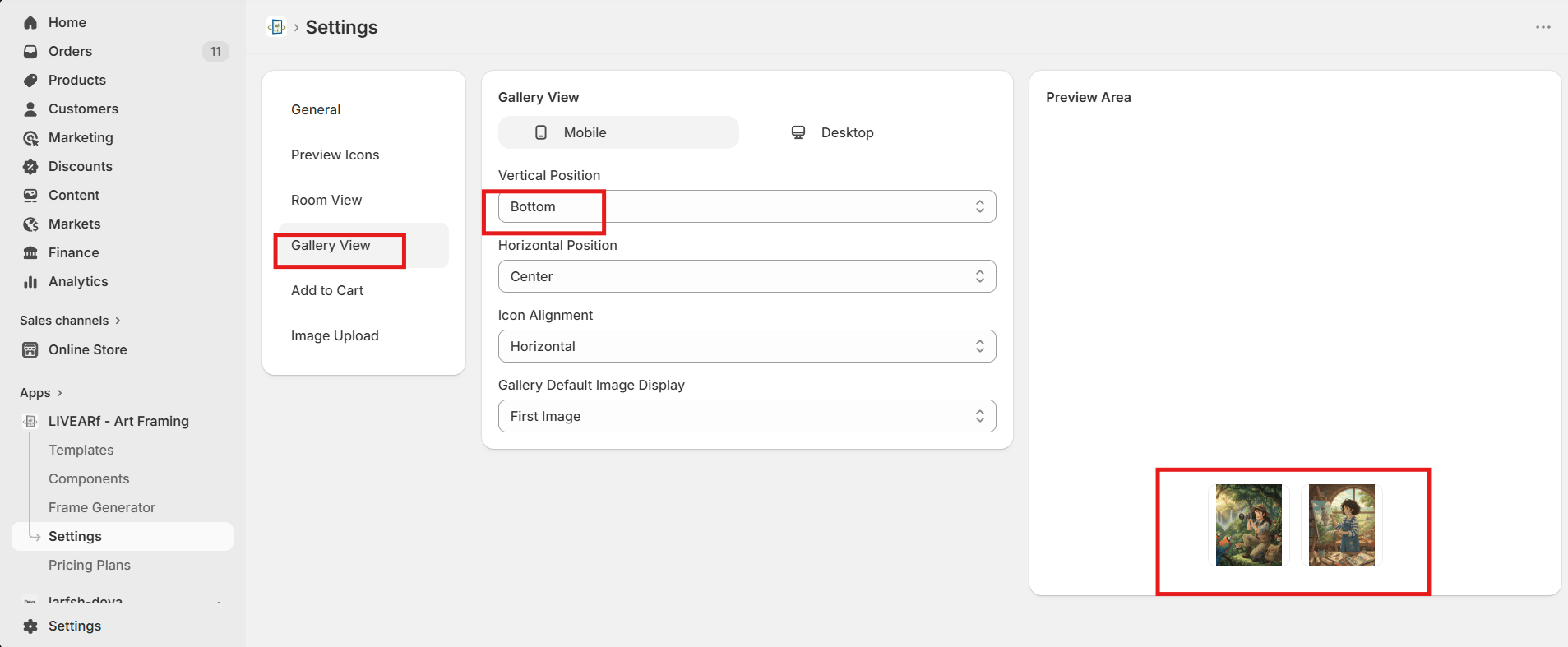
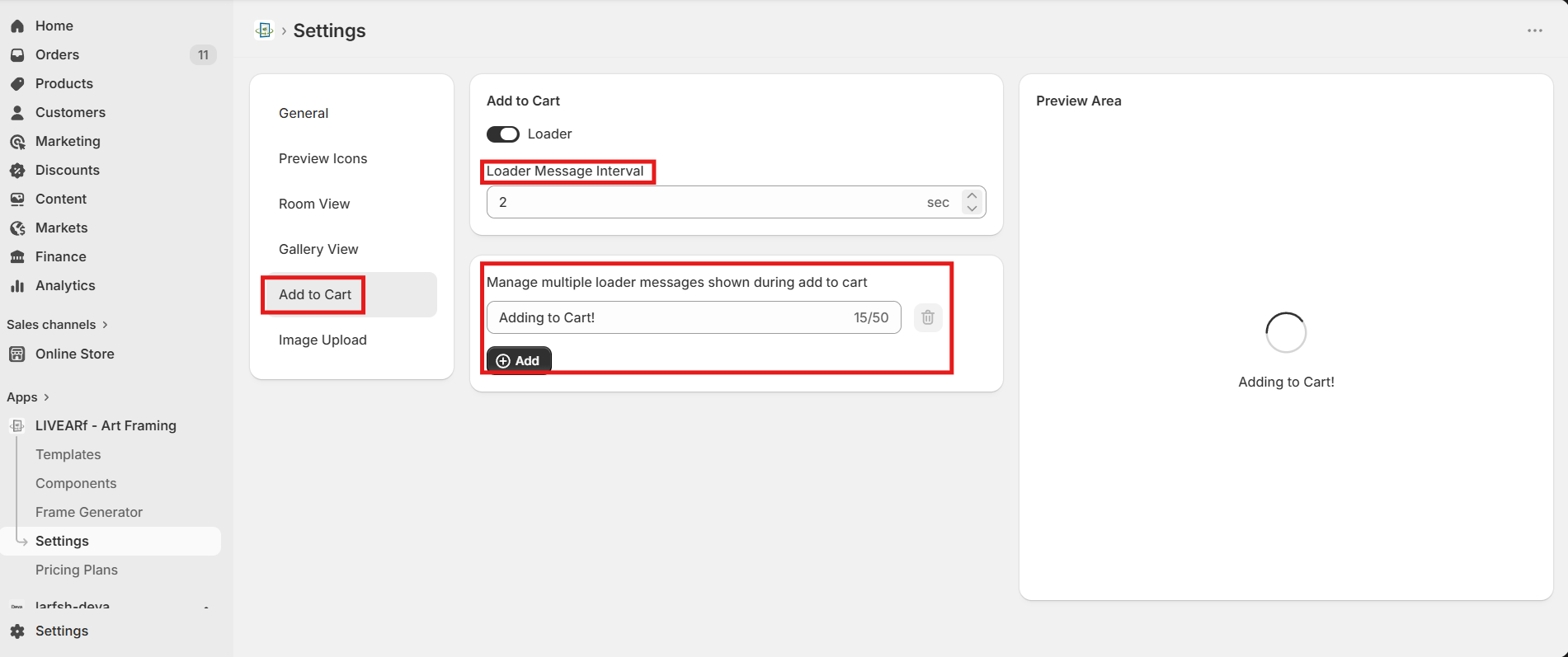
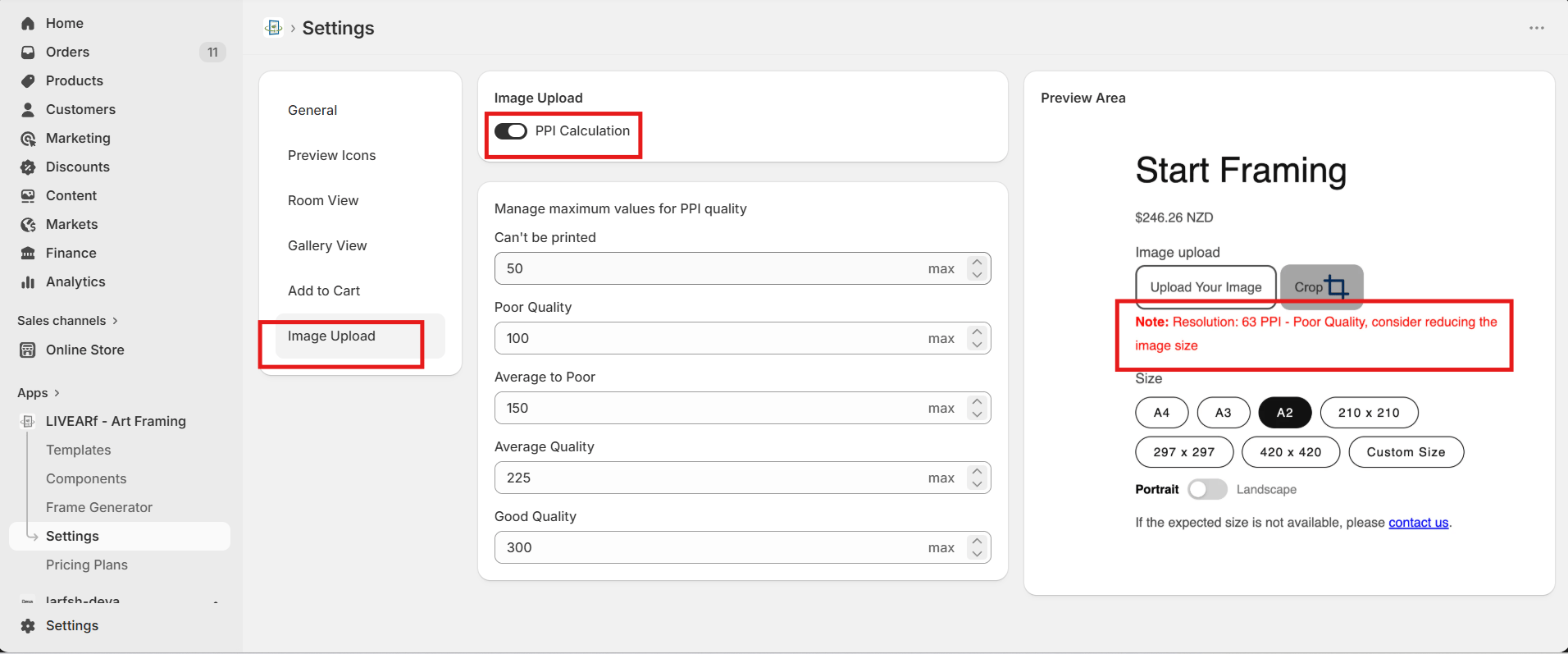
Settings controls global behaviour across all your LIVEVUE components and products. Go to LIVEARf → Settings in your Shopify admin. You will see six tabs on the left — click any tab to configure that section. Changes reflect immediately in the Preview Area on the right.

Settings Tabs

The General tab controls language, size display, artwork image selection, and custom size/mat limits.
Language

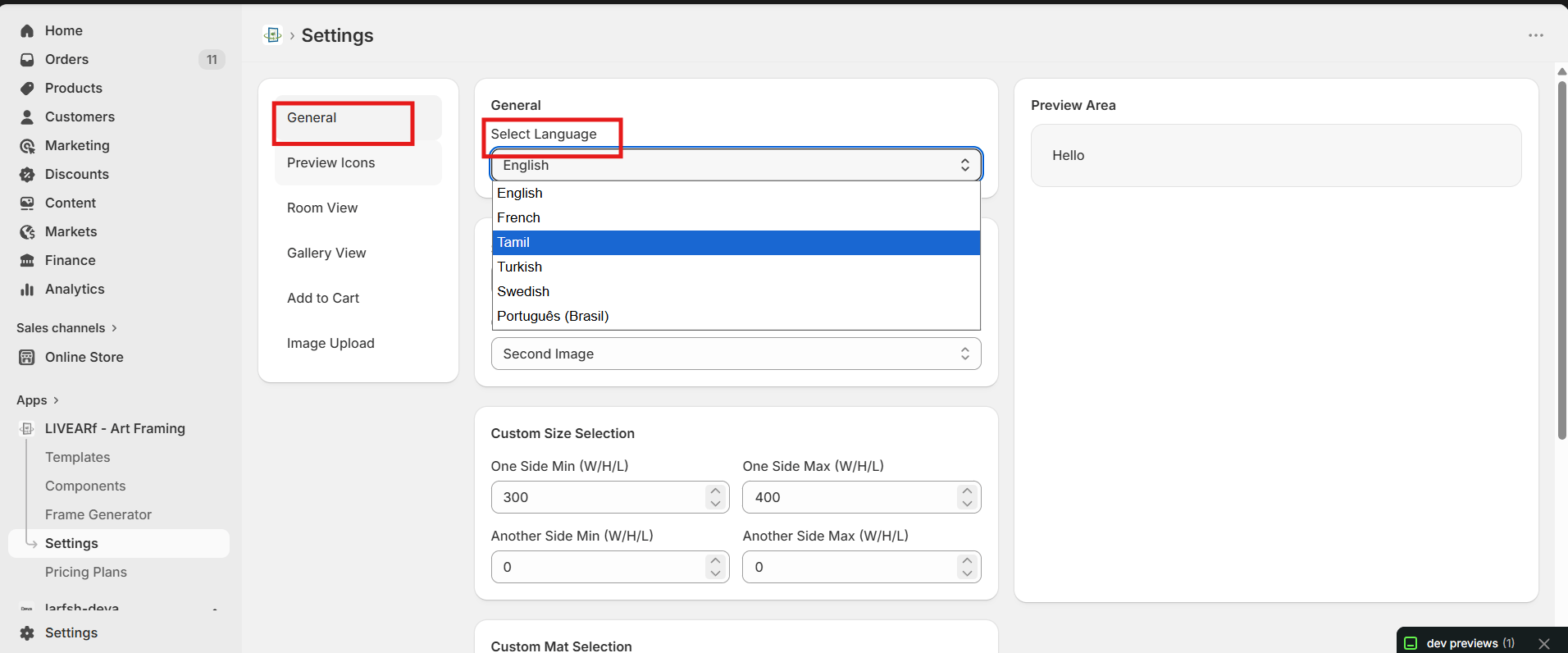
General tab — Select Language dropdown showing English, French, Tamil, Turkish, Swedish, Português Brasil
SettingWhat it does
Select LanguageSets the display language for storefront labels and messages
Available languages: English, French, Tamil, Turkish, Swedish, Português (Brasil).

Size Display

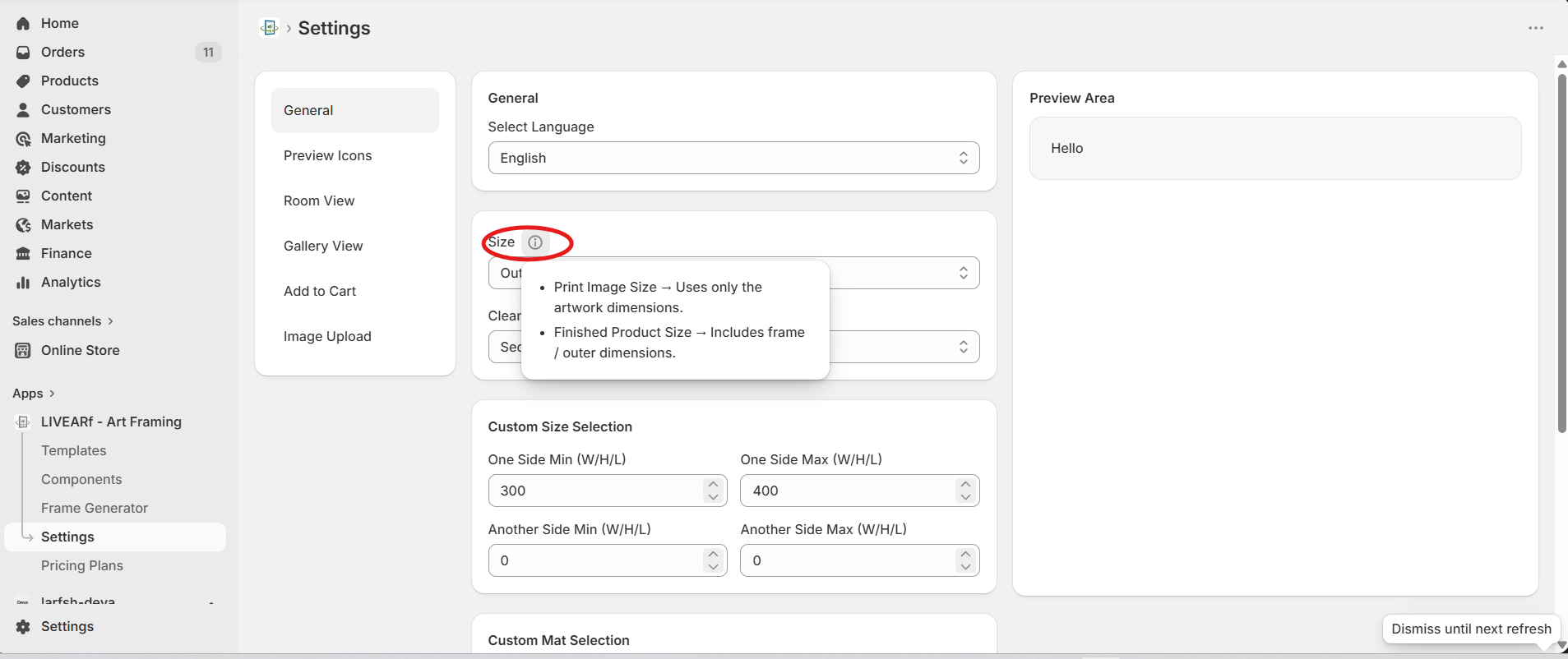
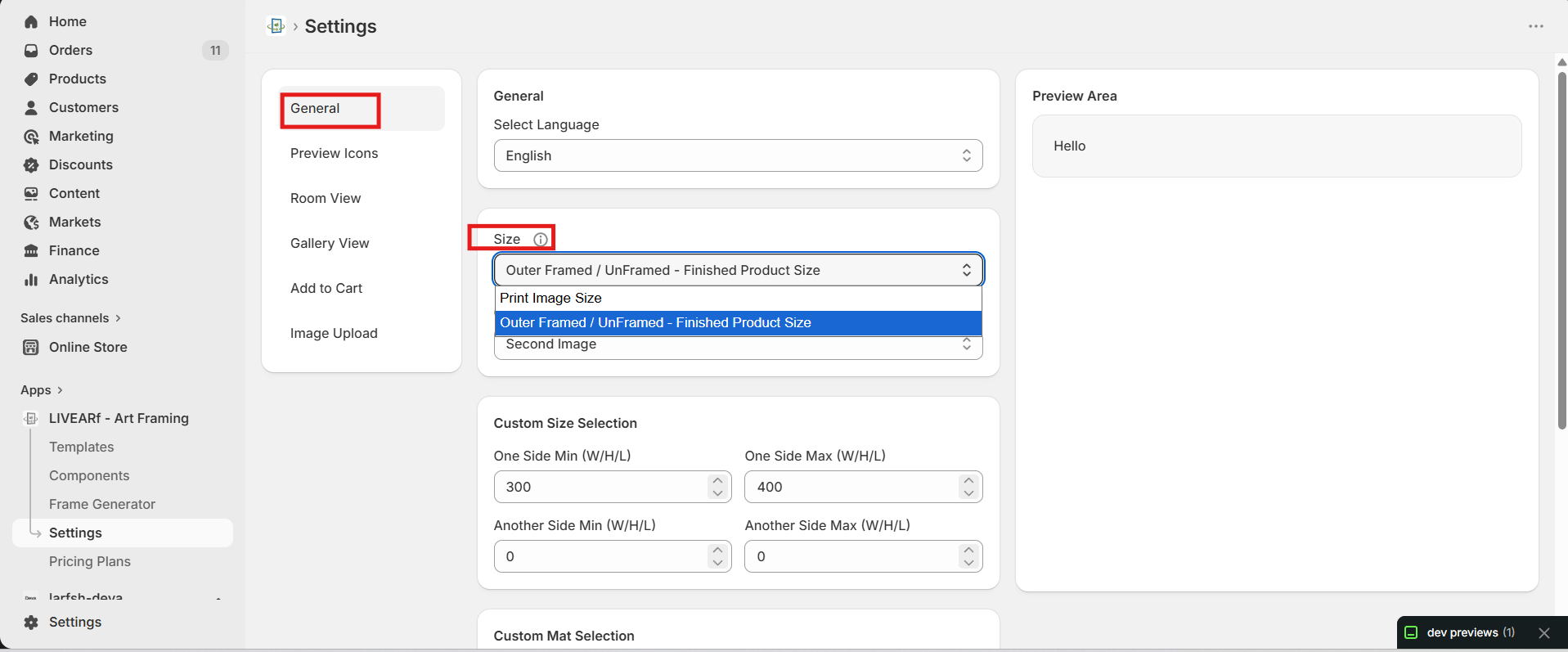
Controls how product dimensions are shown to customers on the product page.Size dropdown showing Print Image Size and Outer Framed / UnFramed - Finished Product Size optionsSize tooltip explaining the difference between Print Image Size and Finished Product Size
OptionWhat it shows
Print Image SizeArtwork dimensions only — e.g. 8×10 print
Outer Framed / UnFramed — Finished Product SizeFull outer dimensions including the frame

Clean Artwork Image

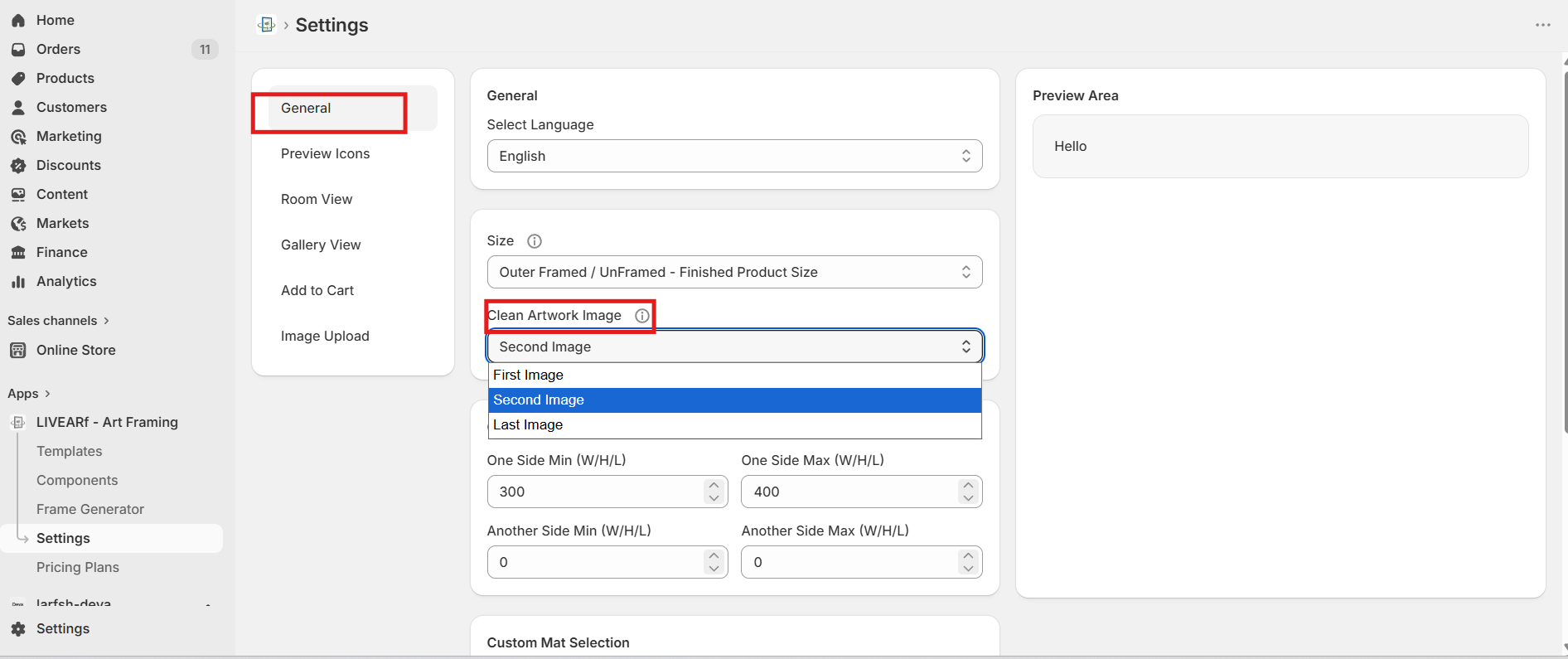
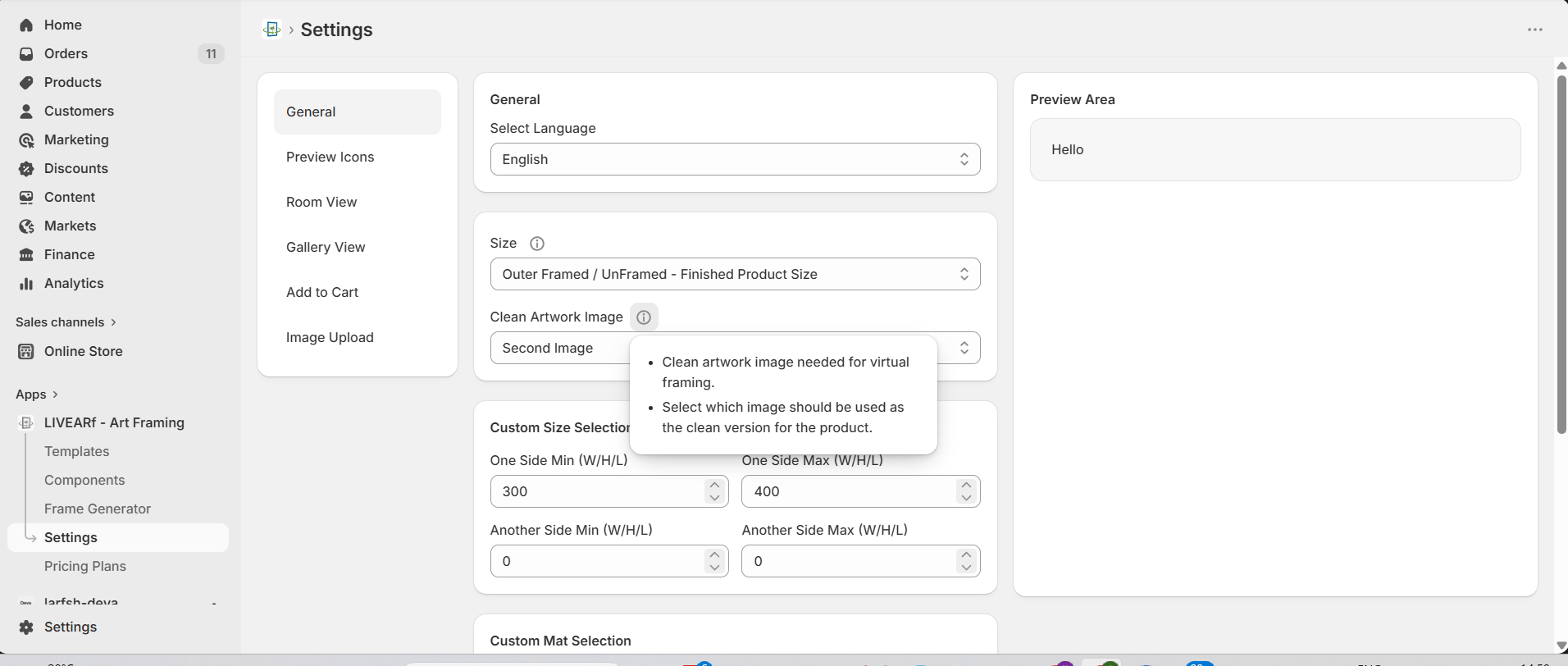
Defines which product image is used as the clean artwork for virtual framing and room previews.Clean Artwork Image dropdown showing First Image, Second Image, Last Image optionsClean Artwork Image tooltip — clean artwork image needed for virtual framing, select which image to use as the clean version
OptionWhen to use
First ImageYour first product image is the clean artwork
Second ImageSecond image is a clean version without background distractions
Last ImageLast image in the product gallery is the clean artwork
Use a clean, high-resolution image with no background clutter as your designated artwork image. This is what customers see in the framing preview and room view.

Custom Size & Mat Selection

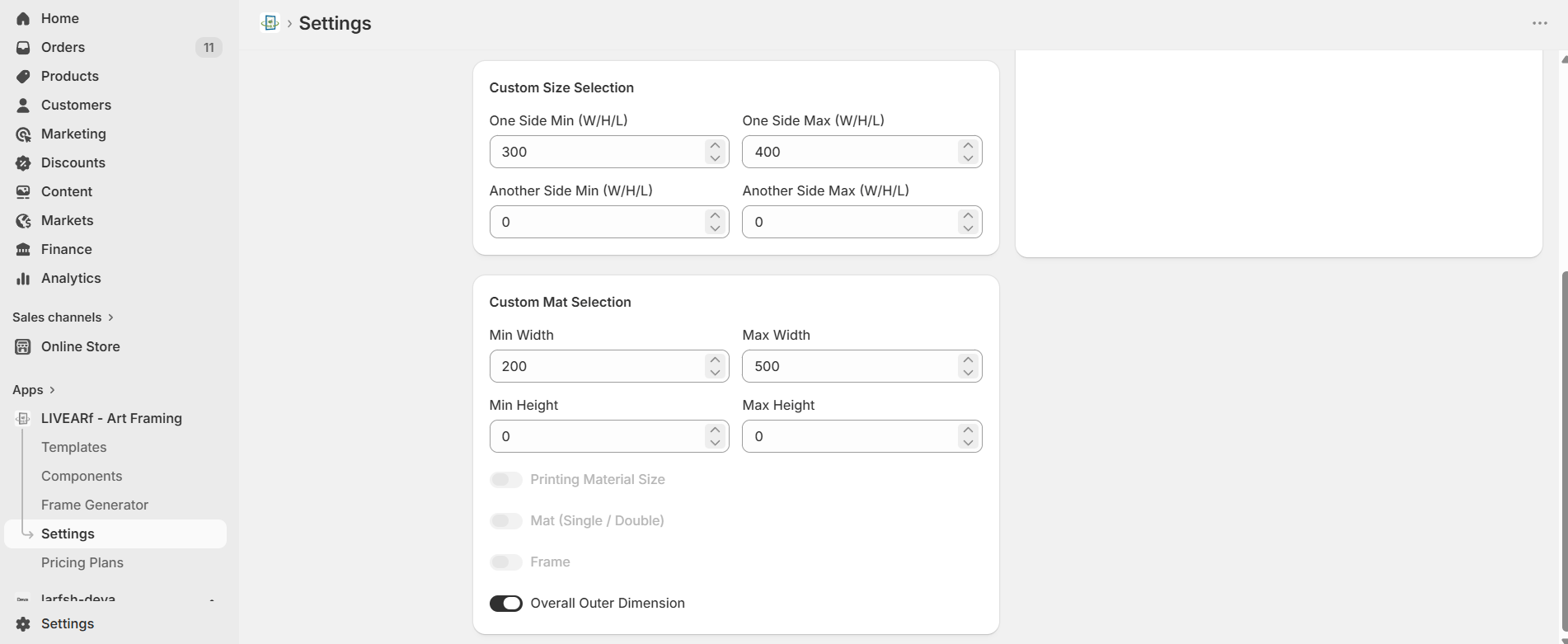
Sets the allowed minimum and maximum values when customers enter custom sizes or mat dimensions.Custom Size Selection and Custom Mat Selection showing min/max fields and toggle optionsCustom Size Selection:
FieldPurpose
One Side Min (W/H/L)Minimum value for the primary dimension
One Side Max (W/H/L)Maximum value for the primary dimension
Another Side Min (W/H/L)Minimum value for the secondary dimension
Another Side Max (W/H/L)Maximum value for the secondary dimension
Custom Mat Selection:
FieldPurpose
Min / Max WidthAllowed mat width range
Min / Max HeightAllowed mat height range
Toggle options:
ToggleWhat it enables
Printing Material SizeIncludes material size in the custom size calculation
Mat (Single / Double)Enables single or double mat configuration
FrameIncludes frame dimensions
Overall Outer DimensionShows total outer dimension to customers

What’s Next?

Pricing Plans

Understand how your monthly plan is calculated.

Artwork Component

Configure frame and mat options for your products.